How to Make a Graphic Design Portfolio That Gets You Hired
Share

Your portfolio isn’t just a collection of designs, it’s the one thing standing between you and your next job.
You’ve spent countless hours mastering the Pen tool, debating serif vs. sans-serif, and perfecting your colour palettes. But here’s the reality of the creative industry: clients and hiring managers don’t care what you say you can do, they care what you can prove.
A graphic design portfolio is a curated collection of your best work that demonstrates your skills, design thinking, and problem-solving ability. It acts as your visual resume, personal brand, and proof of expertise.
If you’re a student or beginner searching for how to make a graphic design portfolio that stands out, this guide will help you build one that actually converts into job opportunities.
Quick Summary
- Include 4–6 high-quality projects, not everything you’ve made
- Show case studies, not just final designs
- Use platforms like Behance, Webflow, or a personal website
- Focus on branding, social media, UI/UX, and packaging projects
- Present work using realistic mockups
- Keep updating your portfolio every 3–6 months
A strong graphic design portfolio = quality work + clear process + smart presentation
Steps to Build a Graphic Design Portfolio
1. Curate, Don’t Collect (Quality > Quantity)
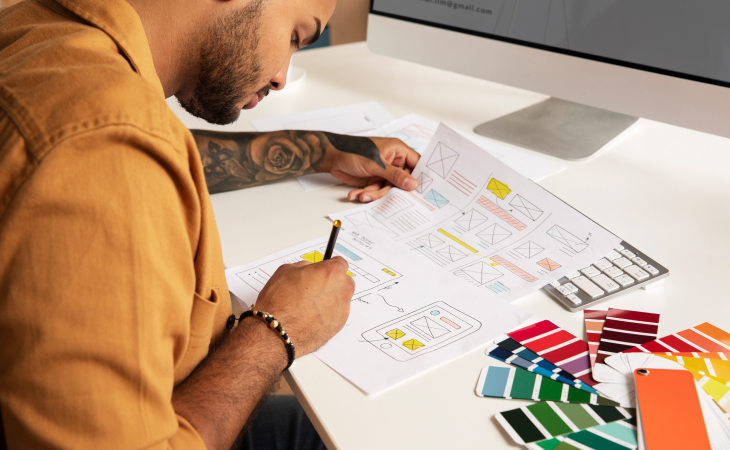
The biggest mistake beginners make is including every project they’ve ever worked on, including outdated or average designs.
When learning how to build a graphic design portfolio, think like a curator, not a collector. You only need 4 to 6 strong projects. One weak project can dilute your entire portfolio.
What to include:
- Your Best Work Only: Showcase designs that reflect your current skill level
- Targeted Work: Want branding projects? Show logos and identity systems
- Versatility: Include digital, print, and social media design samples
Recruiters remember your weakest work more than your strongest.
Also Read: 15 Unique Portfolio Ideas for Design Students
2. Choose the Right Projects (The “Hirable” Mix)
To appear industry-ready, your portfolio should feature a strategic mix of project types. If you’re a student, you can include self-initiated or mock projects to fill gaps.
Recommended Project Types:
- Brand Identity
A complete system including logo, typography, colour palette, and brand guidelines. - Social Media Campaigns
Instagram posts, carousels, or ad creatives that demonstrate consistency and visual storytelling. - Packaging Design
3D mockups of boxes, bottles, or labels to show spatial and real-world design understanding. - UI/UX Concepts
Even a simple 3-screen app or website layout can demonstrate hierarchy, usability, and user flow.
3. The Secret Sauce: Case Studies
Modern recruiters, and even AI screening tools, don’t just evaluate visuals. They assess how you think.
If you’re serious about creating a professional graphic design portfolio, every project should include a case study.
How to Write a Strong Case Study:
- The Challenge: What problem were you solving?
- The Process: Show sketches, mood boards, iterations
- The Solution: Explain your design decisions
- The Result: Share outcomes (engagement, conversions, feedback)
Example: “Increased Instagram engagement by 20% through improved visual consistency and layout design.”
4. Pick Your Platform (The Tools)
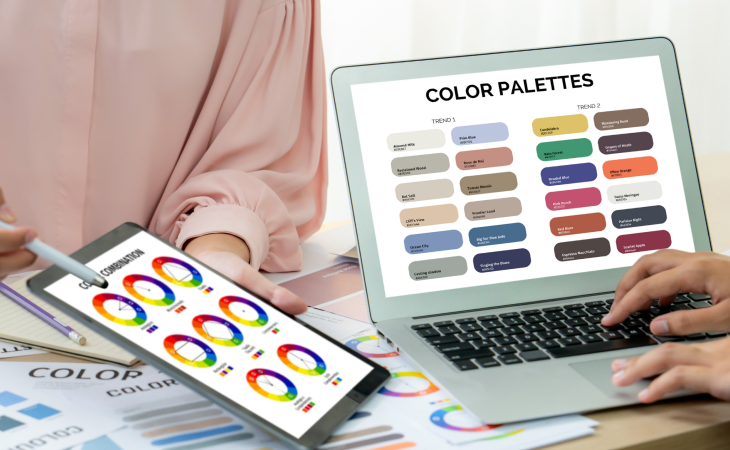
Where should your portfolio live? You don’t need to be a developer to build a strong online presence.
Popular Portfolio Platforms:
- Behance / Adobe Portfolio
Great for beginners, easy to use, and strong community exposure - Wix / Squarespace
Drag-and-drop builders for a professional personal website - Framer / Webflow
Ideal for designers who want advanced layouts, animations, and unique UI - PDF Portfolio
Keep a 5–10 page version ready for quick sharing via email
Having both an online portfolio and a PDF version increases your chances of getting hired.
5. Essential Design Tools to Master
- Adobe Illustrator: Vector-based design (logos, icons, illustrations)
- Adobe Photoshop: Photo editing and high-quality mockups
- Adobe InDesign: Multi-page layouts and print design
- Figma: Essential for UI/UX and collaborative design
- Canva: Useful for quick ideation, but rely on professional tools for portfolio work
Recruiters often look for both creativity and technical proficiency.
6. Presentation is Everything: Use Mockups
Even a great design can look underwhelming if presented poorly.
Mockups help you showcase your work in real-world contexts:
- Logo on a business card
- Website on a laptop screen
- Poster on a billboard or bus stop
This helps hiring managers visualise your work as a finished product rather than just a flat file.
Tip: Use high-quality mockups from platforms like GraphicBurger or Yellow Images.
7. Personality Matters
Don’t be a faceless designer, your personality plays a key role in getting hired.
Your “About Me” page is often one of the most visited sections of your portfolio.
What to include:
- Write in a natural, conversational tone
- Add a professional yet approachable headshot
- Clearly list your tools and skills
- Highlight soft skills like communication and time management
Clients hire people, not just portfolios.
8. Common Mistakes to Avoid
When learning how to make a graphic design portfolio, small mistakes can cost big opportunities.
- Broken Links: Always test buttons and navigation
- Slow Loading Speed: Optimise images and file sizes
- Typos: A major red flag for designers
- Missing Contact Info: Make it easy to reach you, add email in the footer
Attention to detail is a core design skill, your portfolio should reflect that.
Also Read: How to Build a Design Portfolio
What Makes a Good Graphic Design Portfolio?
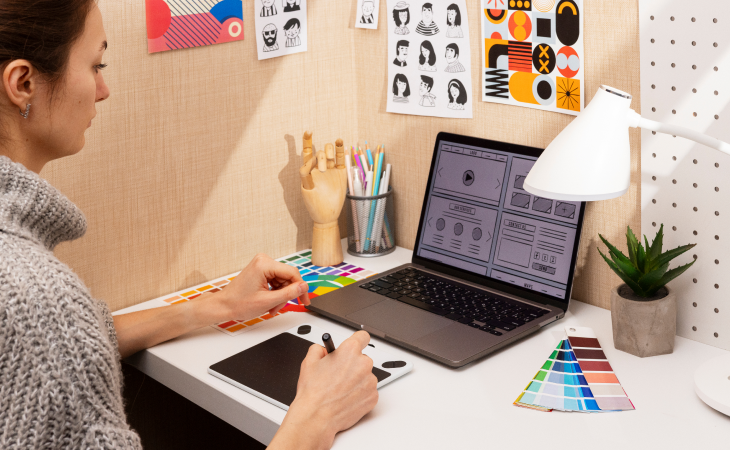
- 4–6 high-quality, relevant projects
- Detailed case studies explaining your process
- A mix of real-world design work (branding, UI/UX, social media)
- Professional presentation using mockups
- Easy navigation and clear contact information
For more Tips and Tricks read our blog on how to make Impressive Graphic Design Portfolio
Final Thoughts: Keep It Evolving
Learning how to make a graphic design portfolio isn’t a one-time task, it’s an ongoing process.
As your skills improve, your portfolio should evolve with you. Every few months, review your work and ask:
“Does this still represent my best work?”
If not, replace it.
Building a portfolio can feel overwhelming, but remember, you’re not just creating a website, you’re building a bridge to your future career.
Start small. Pick one project today, write down the challenge and solution, and you’re already making progress.
FAQs
1. How many projects should a graphic design portfolio have?
A strong portfolio should include 4 to 6 high-quality projects that showcase your best work and skills.
2. Do I need a website for my design portfolio?
Not necessarily. Platforms like Behance work well, but having a personal website increases credibility.
3. What should a beginner include in a design portfolio?
Beginners can include mock projects, redesigns, and concept work along with detailed case studies.
4. How often should I update my portfolio?
Update your portfolio every 3–6 months or whenever you complete a strong new project.
5. What do recruiters look for in a portfolio?
Recruiters look for quality work, a clear design process, creativity, and strong problem-solving ability.


